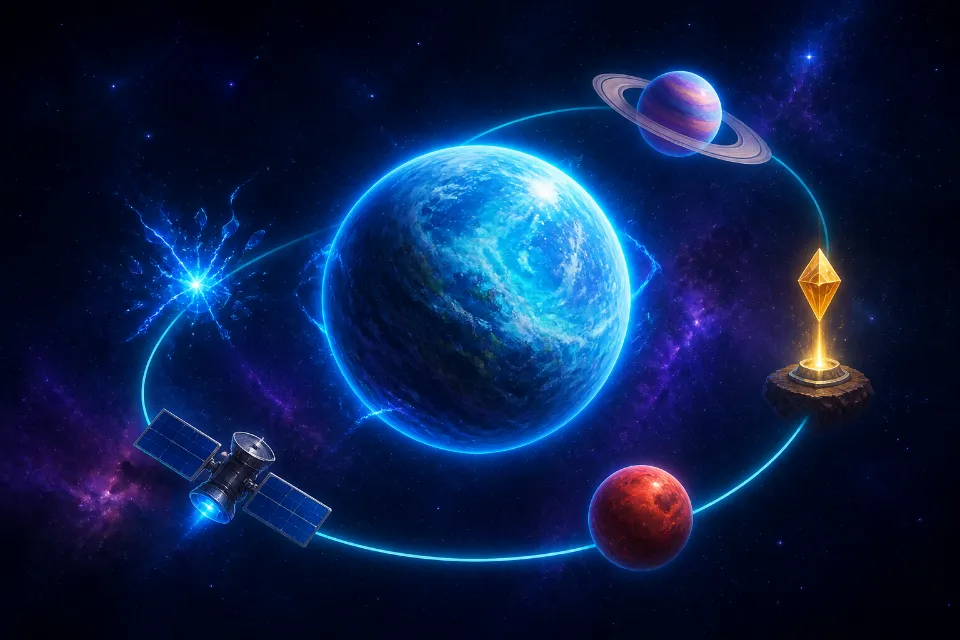
Planet Clicker combines the immediate feedback of a clicker with the planning of an idle game. You begin with Earth, produce Energy through direct picks, and invest that Energy in two parallel forms of growth. Pick upgrades improve active output, while generators create Energy automatically. Missions, achievements, planets, ships, asteroids, chests, and Stardust then expand that simple economy without hiding the next objective.
Learn The Main Controls
In Planet Clicker, tap or click the animated planet to pick it. On a desktop keyboard, press Space when you are not typing in a field or focused on a button. The HUD updates immediately and floating text shows the exact reward. The interface is deliberately consistent across input types: a tap and a mouse click use the same power, critical chance, and combo rules.
Build Combos And Critical Picks
Planet Clicker increases your streak when you pick again within the combo window. The reward multiplier rises at regular thresholds, so a consistent rhythm is more valuable than isolated inputs. Stop for a moment and the combo ends. Nothing else is lost, which lets you explore menus without a lasting penalty.
Read An Upgrade Card
Planet Clicker click upgrades have six tiers, from Stronger Touch to Cosmic Touch. A card shows its current level, the added power for each level, and the total price for the selected purchase quantity. Prices scale after every level. Buying ten is convenient, but it does not magically provide a discount; use bulk controls when your economy can support the batch.
Choose Between Active And Passive Growth
In Planet Clicker, compare the time needed to earn a price with the gain it buys. If you are actively picking and a power upgrade doubles output, it can be an excellent short term choice. If you plan to leave the game or browse guides, passive production has more time to work. A balanced run uses both, then specializes after planets and Stardust skills reveal your preferred style.
Use Missions As A Route Map
Planet Clicker missions turn broad progress into short objectives. Categories include clicking, building, upgrades, exploration, events, and Energy milestones. Each card includes a live bar and reward. Completed missions require a claim action, which keeps rewards predictable and makes the completion state obvious.
Unlock Planets With Visible Requirements
Open the Planet Clicker Solar System screen to inspect each planet. Locked cards list the Energy cost plus progression conditions. A requirement gains a check when complete, so you can choose a clear next step. Unlocking spends the listed Energy, adds the planet to your route, and preserves every earlier world.
Planet Clicker planet bonuses remain active once their worlds are unlocked. Earth improves solar generation; the Moon improves offline earnings; Mars strengthens direct picks; Venus enhances critical rewards. Later planets influence discounts, general production, asteroid rewards, and Stardust. Visit any unlocked planet to level it and change the central visual. The planet unlock guide describes the entire sequence.
Destroy Asteroids Before They Escape
Planet Clicker asteroid events appear after the introductory phase. Their panel shows health and remaining time. Tap the asteroid repeatedly; each hit uses your current pick power as damage. Destroy it for a scaling Energy cache. If the timer expires, the panel closes and normal play continues without a fine.
Launch Ships And Open Chests
The Planet Clicker Fleet panel offers ships with permanent run bonuses. Explorer I improves production, Explorer II supports offline gains, Mining Ship affects events, Quantum Cruiser adds critical chance, and Interstellar Explorer improves mission rewards. A purchased ship is marked Active so you can see that its bonus applies.
Planet Clicker chests come from missions and achievements. The Rewards panel shows how many of each tier you own. Opening a chest immediately reveals its Energy and Stardust result; the control does not exist as a decorative placeholder. Higher tiers produce stronger caches.
Calculate Offline Earnings
When you return to Planet Clicker after at least a minute, the game measures elapsed time and current automatic production. Offline gains are capped to keep balance predictable. The welcome panel reports both time away and Energy generated. Moon, Explorer II, and permanent Offline Production ranks increase the calculation.
The Planet Clicker timestamp and game state live in local browser storage. Closing a tab is safe after an autosave, but clearing browser site data is not. Export a save code before moving devices or performing maintenance.
Perform A Galaxy Reset
Planet Clicker prestige unlocks after the lifetime Energy threshold shown in the panel. The projected Stardust reward grows with total generation. A confirmation lists temporary progress that will restart: current Energy, upgrades, generators, run planets, ships, and missions. Stardust, skill ranks, achievements, chests, settings, and lifetime statistics remain.
Unspent Planet Clicker Stardust supplies a permanent production multiplier. You can also spend it on Cosmic Power, Critical Mastery, Automation Mastery, Offline Production, Asteroid Rewards, or Building Discount. A good reset purchases at least one useful rank and noticeably speeds the rebuild. Read the strategy guide before your first prestige if you are unsure.
Manage Accessibility And Saves
Planet Clicker settings separate sound effects, ambient music, volume, particles, reactions, reduced motion, and autosave. Music begins only after a user enables it. Focus indicators and descriptive labels support keyboard navigation, while touch targets are designed for phones. Reduced motion respects both the game choice and system preference.
Planet Clicker Export creates a text backup, Copy uses the clipboard when permitted, and Import validates the save version and expected data before applying it. Reset Progress requires the exact word RESET. These controls make experimentation forgiving while protecting against an accidental destructive click.
Conclusion
Planet Clicker becomes much easier when every system supports the same objective. Begin with deliberate picks, add affordable automation, complete nearby missions, and unlock planets only when their bonuses improve your current plan. Save before major changes and inspect the Prestige reward before resetting a productive galaxy. You now understand the complete gameplay loop, so play Planet Clicker and use the live interface to guide each decision. For deeper purchase comparisons, continue to the best upgrades article or keep the quick reference nearby.
Planet Clicker is easiest to master when you treat each visible requirement as a small destination. The Planet Clicker interface keeps that route visible, so build active and passive power together, claim rewards deliberately, save before major decisions, and reset only when Stardust will make the next galaxy clearly stronger.
Related Guides

Beginner’s Guide
Follow an efficient opening route.
Read Guide →
Best Upgrades
Compare power and automation.
Read Guide →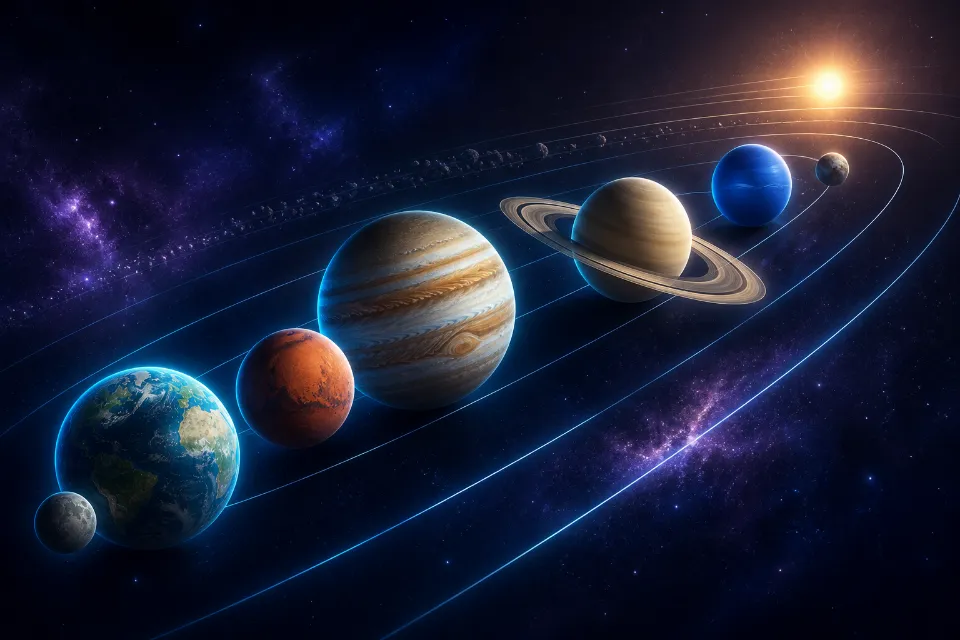
Planet Unlock Guide
Plan every destination.
Read Guide →